
Roll over image to zoom in
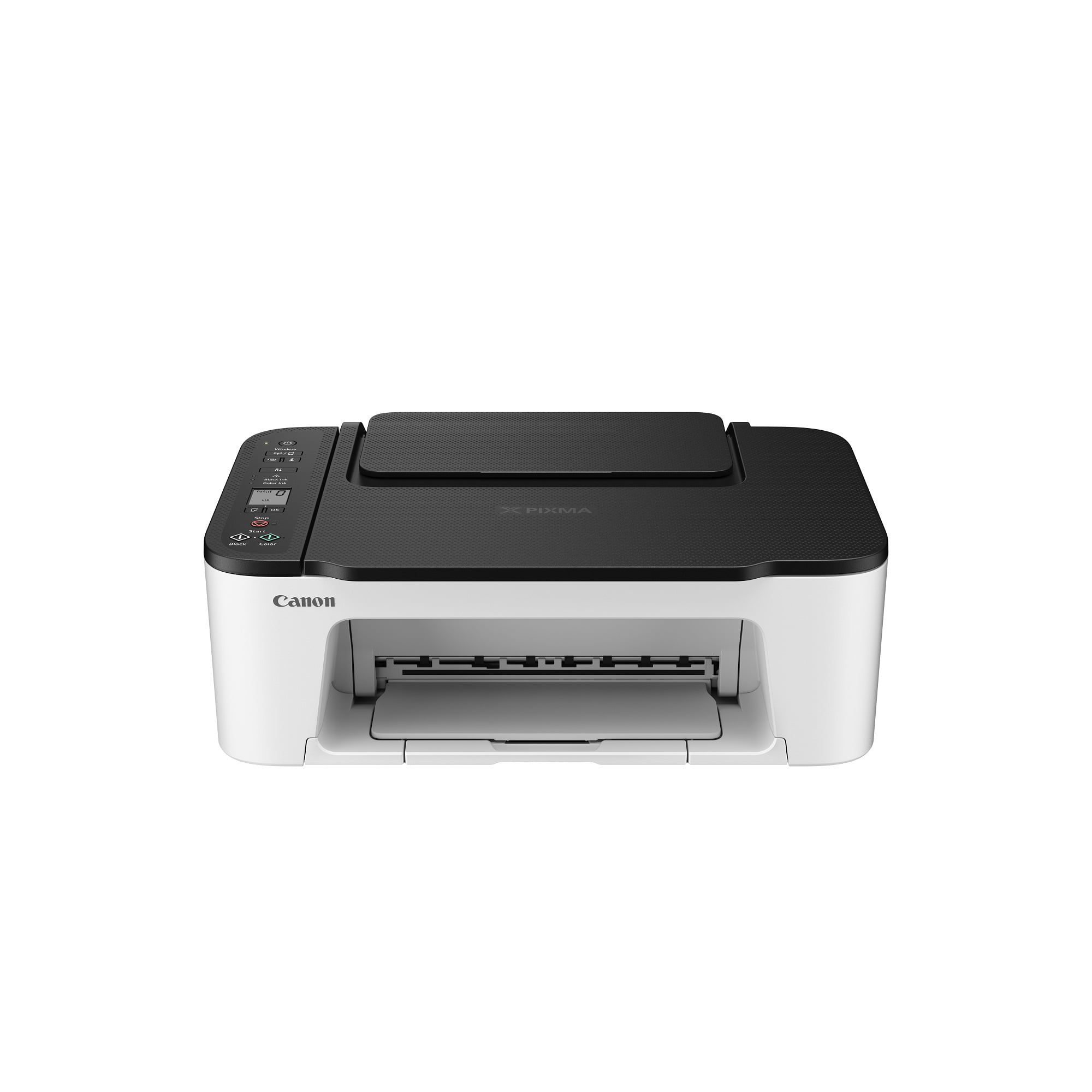
Canon PIXMA TS3522 All-In-One Wireless InkJet Printer With Print, Copy and Scan Features
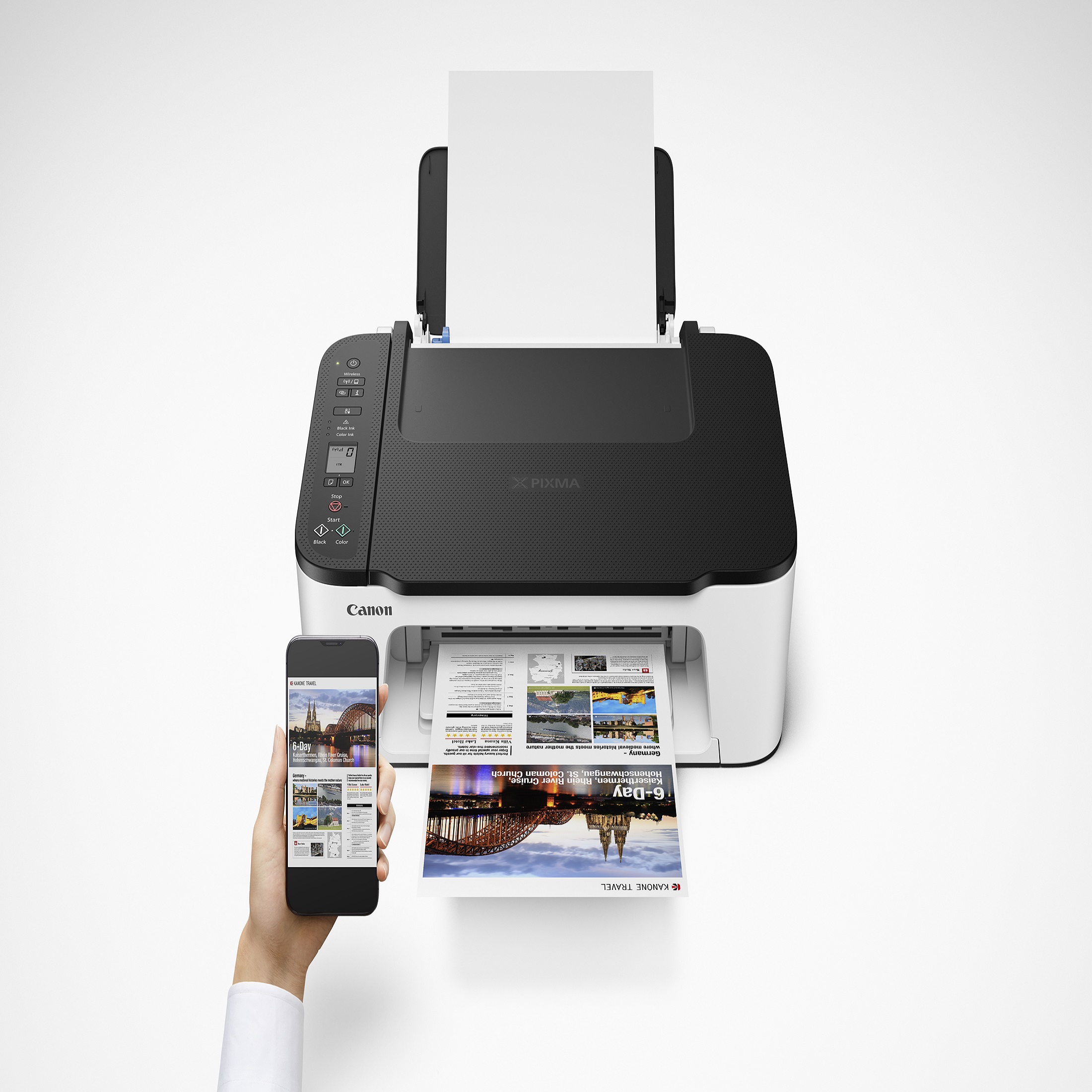
Simply print, copy, and scan with the PIXMA TS3520 Wireless All-in-One InkJet Printer. With BUILT-IN WIRELESS4 connectivity easily print from any room – from laptops, tablets, and smartphones. EASY SETUP including an improved Web Getting Started Guide to get you from box to print easier.
Canon PIXMA TS3522 Wireless InkJet Printer
- Simply print, copy, and scan with the PIXMA TS3520 Wireless All-in-One InkJet Printer
- With BUILT-IN WIRELESS4 connectivity easily print from any room – from laptops, tablets, and smartphones.
- EASY SETUP including an improved Web Getting Started Guide to get you from box to print easier.
- Wi-Fi® setup with WIRELESS CONNECT easily connects to Wi-Fi® without a computer.3
- COMPACT DESIGN
- A HYBRID INK SYSTEM produces both sharp black text and colorful prints
- Dedicated REAR PAPER TRAY makes it fast and easy to load plain or photo paper
- Adjust settings on the 1.5″ SEGMENT LCD SCREEN with straightforward buttons.
- Print BORDERLESS PHOTOS5 up to 5″ x7″ and even 5″ x 5″ square photos
Additional information
| Manufacturer Part Number | 4977C042 |
|---|---|
| Model | TS3522 |
| Assembled Product Weight | 3.2 lb |
| Assembled Product Dimensions (L x W x H) | 15.74 x 7.71 x 19.20 Inches |

by Mike
For the price this printer/ scanner is awesome
by Chevy
nice, quick shipping, easy setup.
by Chelsie
The printer works great! Connecting to my phone was not easy. I tried to follow the setup instructions in the book for connecting to my iPhone. 20 minutes later, I was no closer to connecting. I decided to look up look arounds. Connect to the printer’s WiFi, the password is the serial number, open the app, printer connects. Way easier than waiting for the app to “reach” the printer.