
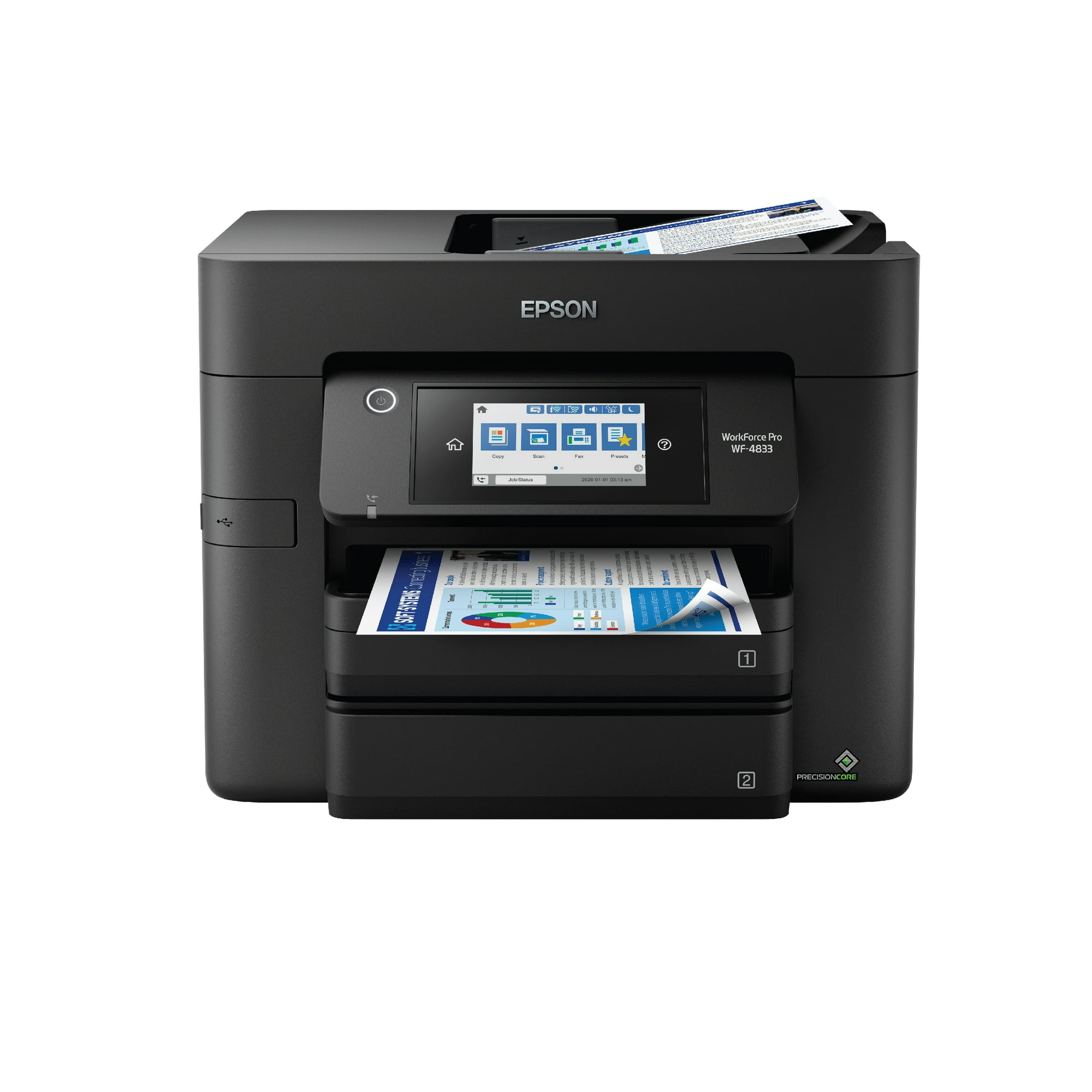
Roll over image to zoom in
Epson WorkForce Pro WF-4833 Wireless All-in-One Printer with Auto 2-sided Print, Copy, Scan and Fax, 50-page ADF, 500-sheet Paper Capacity, and 4.3″ Color Touchscreen
4.3″ Color Touchscreen Display. 500-sheet Paper Capacity (2 Trays x 250-sheets); Ethernet. Auto 2-sided Print, Copy, Scan, and Fax; plus 35-page Auto Document Feeder.
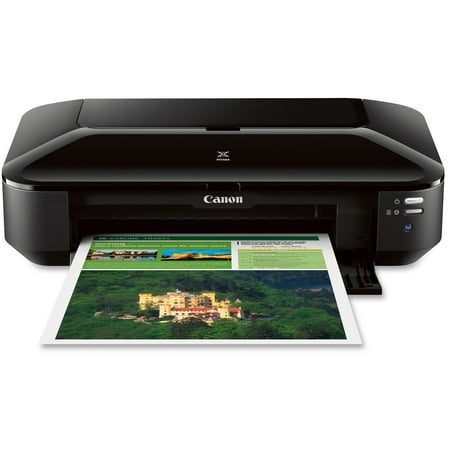
Streamline workflow and increase efficiency with the ultra productive WorkForce Pro WF-4833. A complete duplex solution, the WF-4833 offers auto 2-sided print, copy, scan and fax, plus a 50-sheet Auto Document Feeder, to quickly and conveniently accomplish a variety of tasks. Providing high-speed printing, the WF-4833 uses state-of-the-art PrecisionCore Heat-Free Technology™ and vivid DURABrite® Ultra inks to deliver professional-quality prints at an astounding 25 black/12 color ISO ppm†. The perfect choice for fast-paced work environments, the WF-4833 makes high-volume printing easy with an intuitive, 4.3″ color touchscreen, a large, 500-sheet paper capacity and simple, wireless connectivity. DISCLAIMER † Black and color print speeds are measured in accordance with ISO/IEC 24734. Actual print times will vary based on factors including system configuration, software, and page complexity. For more information, visit www.epson.com/printspeed
- 4.3″ Color Touchscreen Display
- 500-sheet Paper Capacity (2 Trays x 250-sheets); Ethernet
- Auto 2-sided Print, Copy, Scan, and Fax; plus 35-page Auto Document Feeder
Additional information
| Manufacturer Part Number | C11CJ05202 |
|---|---|
| Model | WF-4833 |
| Assembled Product Weight | 26.2 lb |
| Assembled Product Dimensions (L x W x H) | 15.30 x 16.70 x 13.00 Inches |

by Solesito
This is the second time that I have purchased this printer. My first printer was about six months old when I had to replace it. I did not get the extended warranty. The quality is good and the prints are beautiful. I am a teacher and I used it a lot. Unfortunately, the ink port (for lack of a better description) clogged up and would no longer print when I bought replacement ink cartridges this last time. I watched videos on how to unclog it, but I was overwhelmed. The fact that there were videos on how to unclog it, should say something. It was less daunting to replace the printer and continue using the ink I purchased, rather than get a different brand of printer. Up until the moment the ink clogged, I loved the printer. It was a lifesaver. Be aware, that this does happen though.
by Kitten
It is AWESOME! Took about 5 minutes to set up and it works PERFECTLY! • Beautiful, rich colors; • Sharp text; • Quiet; • Minimal need for user interaction; • Ample paper supply; • Works right out of box; • Friendly, easy touch screen display; • Reasonable footprint; • Easy access to ink cartridges; • Suitable to small work area; • FAST first copy and speedy job completion. I just LOVE it ❤️
by Sarah
I run our companies office out of our home and most printers can’t keep up. This printer works great, has lots of paper storage and I can scan multiple documents at once through the top feeder! Could not work without it!
by Kelly
Easy to set up. Now I don’t have to go to library to print.
by Steve
I bought this product a few months ago and it’s very helpful to my business as well as being a student east access for home use.
by Lindsey
so far its working great!! its definitely and upgrade from the last one i had.